Bring your event to RaverPass
Everything you need to sell, validate and settle tickets for your parties — built for the electronic scene.
rocket_launch Sign up to start0% management commission at launch
For our first events, RaverPass charges no management commission on your net payout. A limited-time launch offer to onboard the best parties.
The organizer management commission in force is 0%, fixed on each event when it is approved. From 1 March 2027: 3%.
workspace_premium Founder rate: join before 1 December 2026 and keep 1% for 12 months
tune Ticketing service: 8% + €0.60 per order. You decide who pays it: the buyer, added to the price as a booking fee, or you, selling at a final price with it deducted from your settlement. See fees →
Event
Your event
verified Valid ticket
QR check-in that just works
Every ticket is a unique QR, validated at the door in seconds with anti–double-scan protection.
- check_circleScan from any phone, no extra hardware
- check_circleReal-time entry stats
- check_circleGuestlists scanned alongside paid tickets
Everything you can do as an organizer
From the first batch to the settlement: these are your tools, with no subscription and no extra hardware.
Ticket sales
Prices, batches and promos under your full control.
-
confirmation_number
Ticket tiers & batches
Early Bird, General, VIP or anything you like, each with its own price, stock and on-sale dates.
-
schedule
Scheduled & chained batches
Set when each batch opens and closes, or let the next one start on its own when the previous one sells out.
-
redeem
Pack promos
Run a 3-for-2 or a 2-for-1: one payment, and every ticket arrives with its own QR to pass on to friends.
-
payments
Priced in your currency
Set the price in your event's currency: buyers see exactly the figure you typed.
-
celebration
Free events
Free tickets with a per-person cap, no booking fee and the QR straight away.
-
timer
Held carts
Tickets are held for 10 minutes while the buyer pays: nobody loses theirs and nothing is ever oversold.
-
forward_to_inbox
Automatic QR delivery
QR codes arrive by email and stay in the buyer's account, and the confirmation brings the event ready for their calendar.
-
edit_calendar
Changes while on sale
Add new batches or adjust the ones that have not sold yet without unpublishing anything.
Promotion & marketing
More people selling for you, and the data to know what works.
-
campaign
Official promoters
Name your promoters by email: each gets their own link and you see how much they sell.
-
sell
Special price per promoter
Give a promoter a percentage or fixed discount for their crowd, with a ticket cap if you want one.
-
groups
RaverPromoters
If you want, open your event to the RaverPromoters community, who sell it for you on commission.
-
link
Campaign links with metrics
One link (or QR) for the flyer, another for WhatsApp, another for Instagram… and see the clicks, tickets and sales each one brings.
-
storefront
Your organization's page
Your own page on the platform, with your brand, your upcoming events and the ones you already did.
-
notifications_active
Followers who hear first
People who follow your organization get a notice every time you publish a new event, and you watch your audience grow.
-
star
Featured events
Feature your event on the home page, nationwide or in your city.
Door & entry
Entry control from a phone, no extra equipment.
-
qr_code_scanner
QR scanner at the door
Validate tickets in seconds from any phone, with protection so no ticket gets in twice.
-
person_search
Search by name
Someone can't find their QR? Look them up by name and let them in with the same checks.
-
speed
Live entry counter
See live how many people are in, how many are still to come, the guestlist and door sales.
-
point_of_sale
Door sales by QR
Sell at the door with no card reader: show a QR, the buyer pays on their phone and is admitted on the spot. With door-only prices.
-
badge
Door staff
Invite whoever scans or sells at the door by email, for that event only: their access closes on its own afterwards.
-
list_alt
Guestlists
Named lists with caps and deadlines, scanned at the door alongside paid tickets.
-
signal_wifi_off
Tickets without signal
Tickets are saved on the buyer's phone and open even when there is no coverage at the door.
Data & stats
What happens with your event before, during and after.
-
trending_up
Sales as they happen
Your dashboard adds every sale the moment it is confirmed: by day, by event and by traffic source.
-
timeline
Entry times
When people came in, in 15-minute slots, and how the pace changes from one event to the next.
-
download
Attendee export
Download the list for Excel: who bought, through which channel and promoter, whether and when they came in… and who didn't show up.
-
summarize
Post-event report
An automatic PDF after every party: sales by channel, attendance, batches, promoters and the entry curve.
-
leaderboard
What sells best
Compare your campaign links and your promoters to know where to put the effort for the next event.
Your organization on the platform
Work with your staff, each person doing their part.
-
manage_accounts
Standing staff with permissions
Add your people by email and choose what each one does: scanning, door sales, guestlists, finances, stats…
-
admin_panel_settings
Admins
Trusted people who run everything with you, money included. A change of payout account is always confirmed by you.
-
handshake
Partner companies
Co-produce an event by bringing in another company with its own team.
-
person_add
Per-event collaborators
Give someone access to a single event, with exactly the permissions they need.
-
content_copy
Permission templates
Save permission combinations (door, press, partners…) and apply them when you invite.
-
headphones
Your artist catalog
Add your organization's artists once and use them in all your events.
Money & settlements
Clear accounts, from the sale to the payout.
-
tune
You choose who pays the fee
A booking fee on top of the price, or a final price with the fee taken from your settlement. Decided per event.
-
receipt_long
Detailed settlement
After each event you get the breakdown of sales, charges and net, with payout terms published in our Terms.
-
account_balance
Paid into your account
The payout reaches your verified account, in the currency you sold in.
-
verified_user
Official resale
Once sold out, fans resell at face value inside the platform and the waitlist gets notified.
-
currency_exchange
Refunds without spreadsheets
The platform works out every refund under published rules and adjusts your settlement on its own.
-
request_quote
Service invoice
One invoice per settlement with everything we charge you, made out to your business.
Events already on the platform
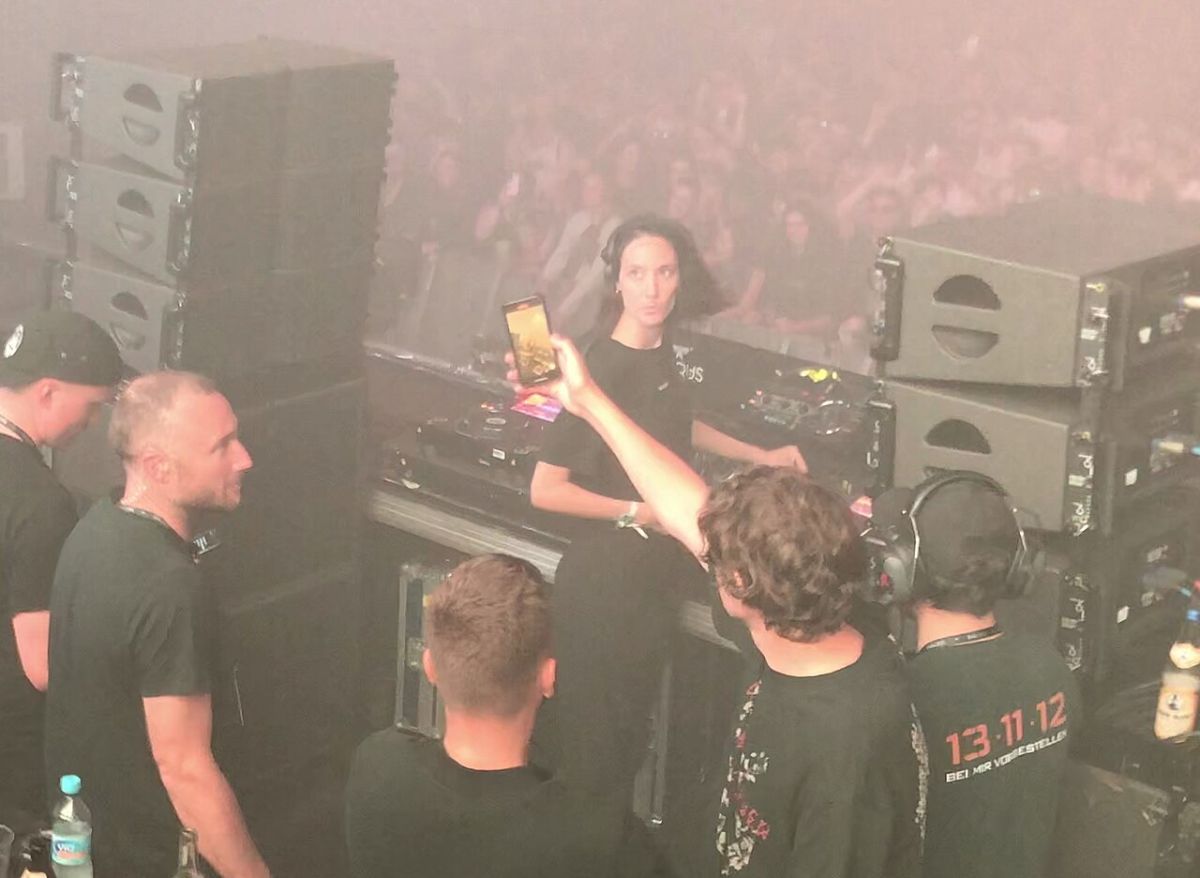
Nord at ADE

Órbita Sessions #26

Sur Profundo #40
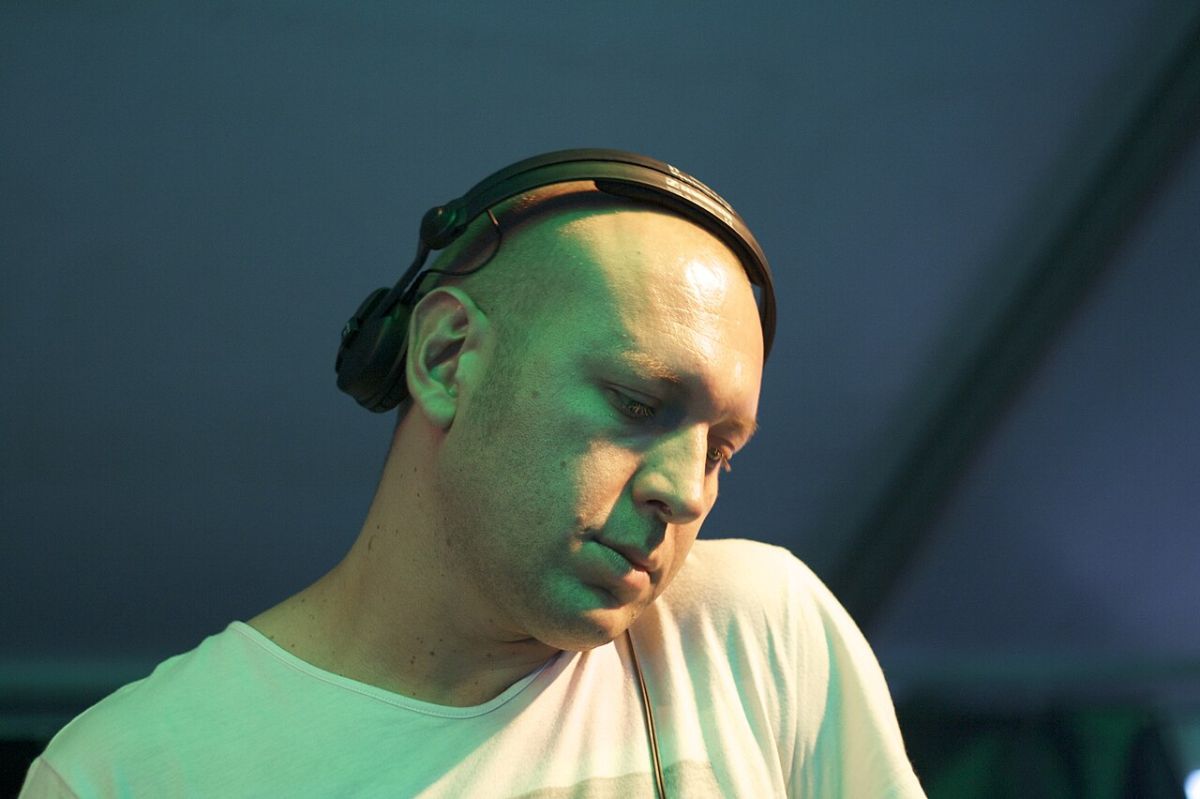
Marea Closing Party
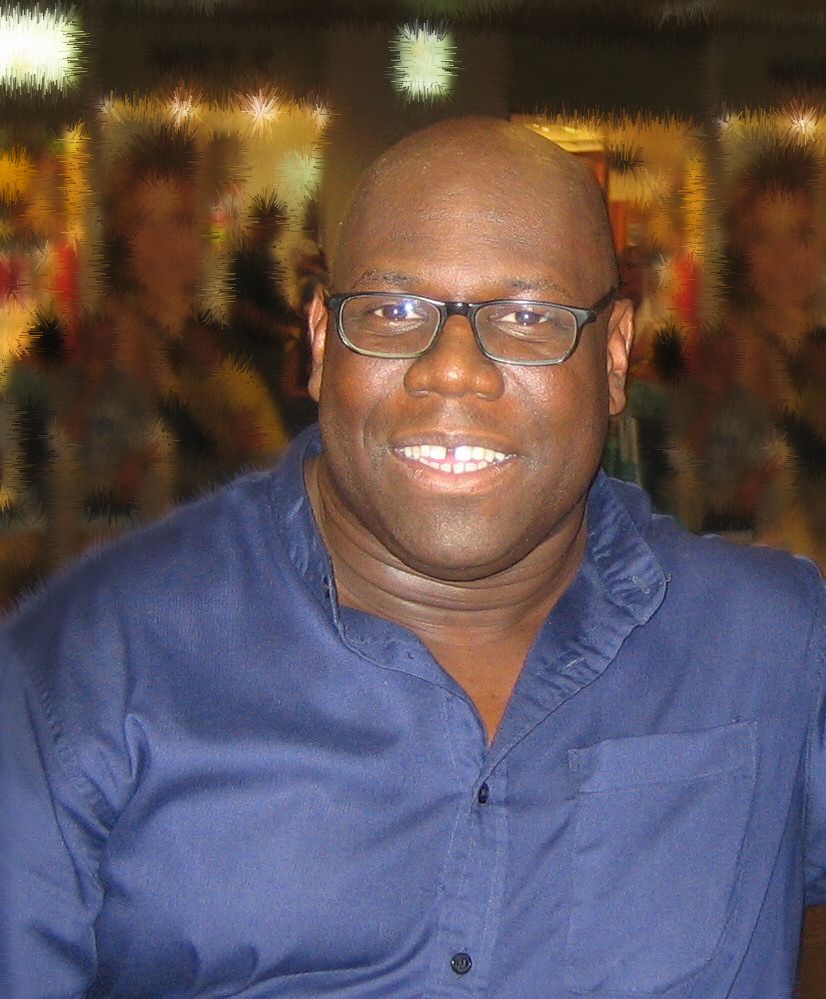
Órbita Sessions #25

Undertone #67

Marea Martes

Nord Nacht #28

Marea Sunset
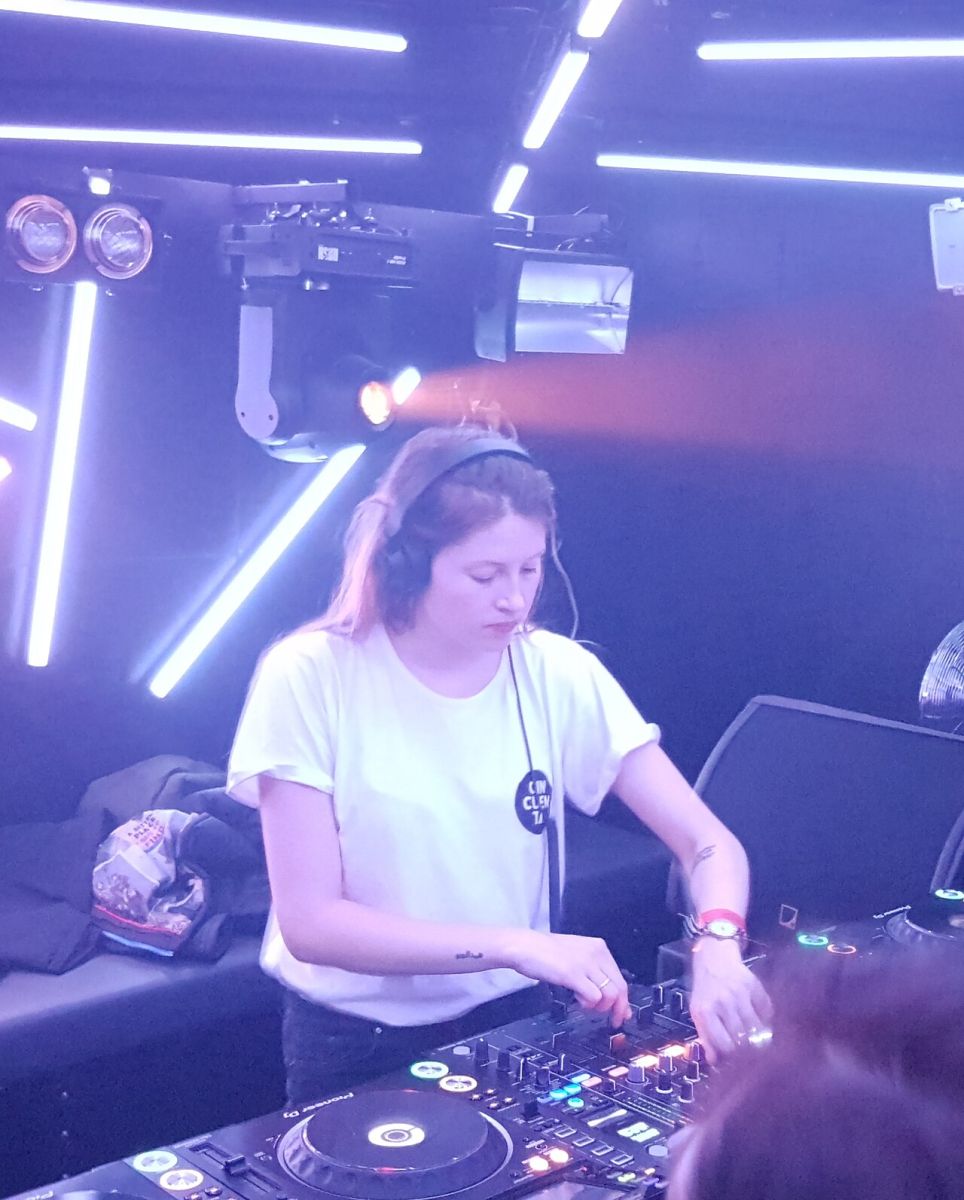
Órbita XL #8
How to get started
Create your account
Sign up and verify your email in a minute.
Set up your event
Add your lineup, venue and ticket tiers with full control over pricing.
Go live
Publish, share your link and start selling with QR delivery included.
Ready to sell out your next party?
Join RaverPass today: the organizer management commission is 0%, fixed on each event when it is approved.
add_circle Create your event